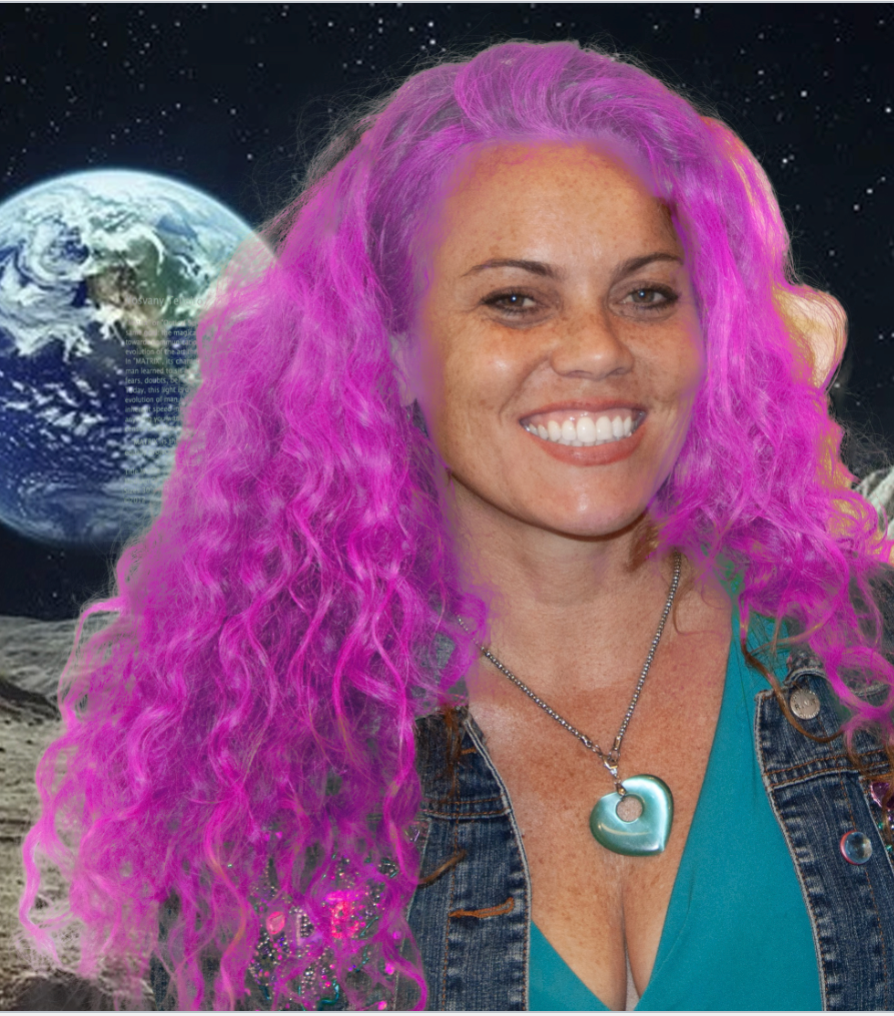
First, I opened the selected picture in Camera Raw, where I cropped it and messed around with some of the settings. After saving it, I hit open and brought it into Photoshop. Next, I used the lasso tool to roughly trace out the hair, then I hit select and mask. Next,t I switched it to overlay so it is more visible and filled out the rest of the image. Once only the hair was left, I clicked done, made a new layer, and then used levels to make the hair brighter. Next, I made a 2nd layer and used hue to turn her hair bright pink. Lastly, I used the mask to select the rest of her face and body and switched the background to a moon background to finish the assignment.